

Setup Your Account
Online Banking Features
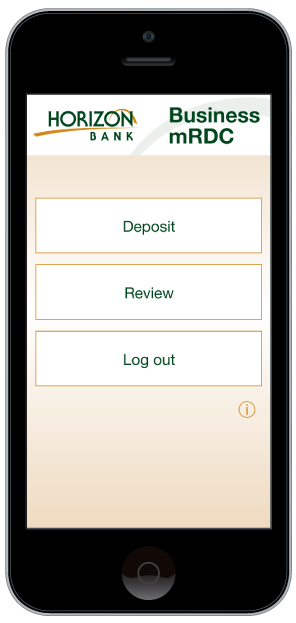
With online banking, you can set up and authorize other people to manage your online business accounts. You control and set up user roles and define their ability to view and access accounts, make transactions, use bill pay, and more.
Download App Today


QuickBooks® integration. Integrate your business accounts with your QuickBooks software.
Create user roles for your company. Roles and permissions let you choose what users can see and work with your accounts.
Account dashboard. View current balance info for all your business checking, savings, credit card, and loan accounts in one place. You can also toggle between your online business and personal accounts.
Funds transfers. Online Banking makes it easy to securely transfer money between your Horizon Bank accounts or to non-Horizon Bank accounts. You also have the flexibility to make one-time transfers or schedule recurring transfers.
Set up alerts
Stay on top of your business account activity with personalized email alerts to quickly take action.
- Incoming wire alerts notify you when your account is wired funds
- Approval needed alerts let you know a sub-user has created a payment that requires your approval
- ACH return alerts are sent when a transaction has been returned via the ACH processing system
- New message alerts notify you when you get a message from us in your Online Banking inbox
You can set up and manage your alerts in online banking or the Horizon Bank mobile app.

More business resources to explore.
Let's get in touch.
The website you have selected is an external site not operated by Horizon Bank. Horizon does not endorse and is not responsible for the content links, privacy policy or security policy of this website or app you are about to visit. Click Proceed to continue or Cancel to go back.